

KDE Celebrates 30 Years with Plasma 6.8 and a Shift Towards Wayland
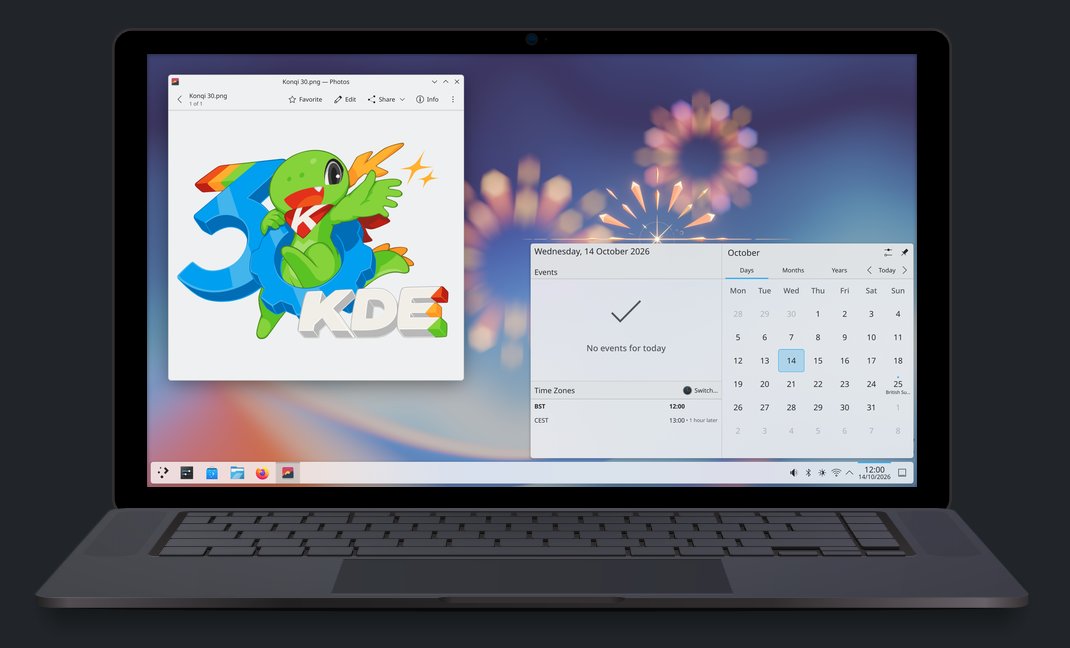
On October 14, KDE commemorated three decades of innovative software development by unveiling Plasma 6.8, heralded as the “30th Anniversary Edition.” Along with this significant release, the organization debuted a film and announced the discontinuation of native X11 session support for the Plasma desktop environment.
The latest update positions Plasma 6.8 as a forward-looking iteration, preparing the desktop environment for future advancements. Although native support for X11 sessions has been retired, legacy applications using the X11 protocol will remain operational through the XWayland compatibility layer, ensuring continued usability of KDE applications across various desktop environments.
This change signifies a significant milestone in the technology landscape, as the X11 protocol, which has served users for 42 years, loses another key player. With Plasma fully embracing the Wayland protocol, the phase-out of X11 sessions had been anticipated, particularly after the GNOME project officially ceased default support for X11 sessions back in 2025.
Plasma 6.8 introduces numerous enhancements aimed at improving user experience. Notable features include enhanced capabilities for adding window decorations, such as shadows and rounded corners, to third-party applications, as well as a more intuitive Union theming system. Significant improvements also encompass the activation of Nvidia triple buffering by default, integration of Kup—KDE’s backup utility—into Plasma, and the introduction of kscreenctl, a command-line tool designed for power users to manage display settings effectively.
Editor’s Take
The decision to retire X11 session support marks a pivotal moment for both KDE and the broader Linux community. By fully transitioning to Wayland, KDE is paving the way for enhanced graphics performance and modernized user experiences. This shift impacts developers and businesses by streamlining application capabilities and future-proofing the desktop environment. Users can anticipate improved stability and features that leverage contemporary technologies.
Source: arstechnica.com