

How to Shape Your Slides and Videos with Gemini Notebook
Gemini Notebook has recently enhanced its capabilities, responding to user feedback by offering more creative control in generating Slide Decks and Video Overviews. This evolution enables users to engage in a streamlined process from initial ideas to final visual outputs.
Enhanced Creative Control
With the new features, users can start a project within the chat interface by asking Gemini Notebook to create a slide deck or video overview. The tool then curates a list of suggested topics based on your sources, allowing for a personalized touch. This interaction helps to guide the content’s flow, ensuring that it aligns with the user’s vision.
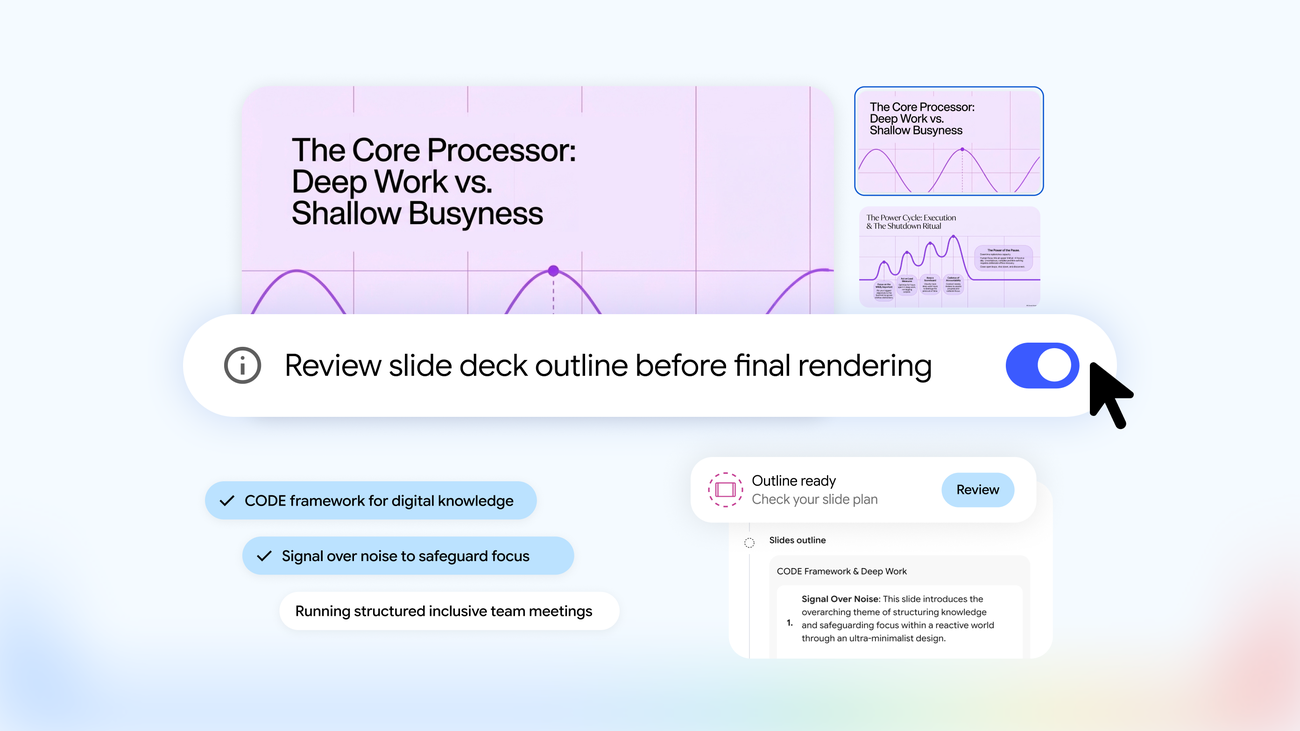
For those seeking even greater oversight, the recently introduced Review toggle is a game-changer. Activating this feature allows users to review a structured outline of their slides or video through the studio panel. By selecting options like “Review outline notes” for slides or “Review producer notes” for video, users gain the opportunity to provide additional direction—be it adding an executive summary or rearranging slides—before final production. When satisfied, users can easily select “Proceed” to generate the final artifact.
Why This Matters
This improved workflow not only enhances creativity but also ensures that the resultant materials meet specific needs effectively. By providing users with the ability to refine their presentations and videos systematically, Gemini Notebook becomes an indispensable tool for professionals looking to convey ideas clearly and compellingly.
Additionally, users exploring various AI functionalities will find significant benefits in platforms that allow them to access leading AI models from one workspace. Gemini Notebook is part of a broader ecosystem where such diverse capabilities enable seamless transitions between tasks, whether they involve writing, graphic design, or video production.
As the demand for polished and professional digital presentations continues to rise, Gemini Notebook’s latest updates position it as a key player for anyone aiming to create high-quality content efficiently. It’s a clear indication that as tools evolve, they focus more on the user experience, streamlining processes to allow for creativity and effectiveness.
For those interested in maximizing their AI-driven experience, consider exploring different AI capabilities in one platform, which can lead to more cohesive output and an enriched creative journey.
To discover how you can integrate multiple AI tools into your workflow, visit this platform.