

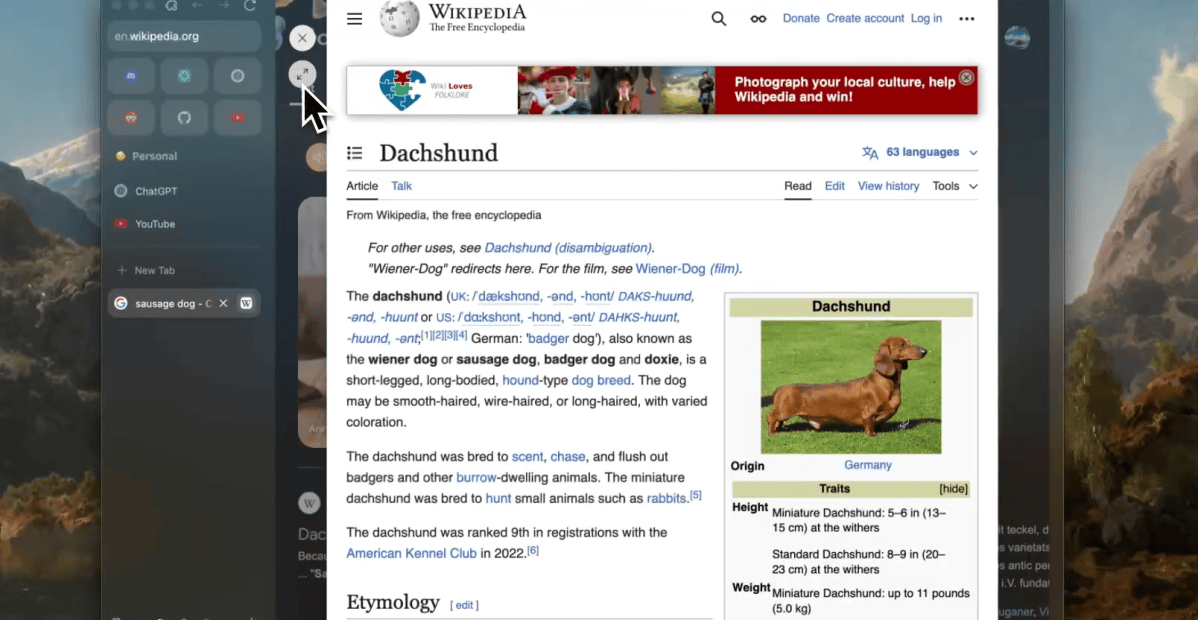

The recent news surrounding the discontinuation of the Arc browser has left many loyal users feeling disheartened. Atlassian acquired the company last year and has since pivoted towards the development of Dia, a browser that prioritizes artificial intelligence integration. Consequently, Arc will officially cease to exist, putting its dedicated user base in a difficult position. However, some users, including myself, have moved on to the Zen Browser and found it to be a suitable alternative.
Zen takes numerous design cues from Arc, mirroring its visual appeal while optimizing for a more efficient user experience. Notably, it includes features like pinned site launchers, a left-oriented tab bar, and customizable sections, all without the bloat that characterized Arc’s interface.
A defining feature of Zen is its commitment to simplicity and user privacy. Unlike Arc, Zen operates without AI-driven agents that could interfere with personal browsing habits or data usage. This absence of AI fosters a straightforward web browsing experience, making Zen a refreshingly uncomplicated option.
Zen’s focus on user privacy is evident in its mission statement: “Beautifully designed, privacy-focused, and packed with features. We care about your experience, not your data.” While users are often aware of the inevitable compromises to privacy on the internet, Zen distinguishes itself by minimizing the data-driven business model that seemed integral to Arc.
Zen offers a variety of Zen Mods that enable users to customize everything from tab appearances to video handling. Additionally, it supports Firefox extensions, and while compatibility with Chrome extensions exists, Zen reportedly manages these more effectively. This improved handling enhances the browser’s flexibility in diverse use cases, even if the UI presents some challenges for specific extensions.
The interface of Zen also enhances productivity by allowing links to open in a “glance” view—a temporary pop-over tab. This feature is particularly useful for tasks like online shopping or research. A floating bar is also available to streamline tab management, making it easy to switch tabs, initiate searches, and access extensions.
Nevertheless, Zen is not without its shortcomings. Currently, it cannot play DRM-protected video content from streaming platforms such as Netflix, Hulu, and Disney+, although the development team is working to secure a necessary license to rectify this issue. For now, I find myself resorting to Chrome for media consumption.
While I appreciated some aspects of Arc, like its Boosts feature, I have learned to embrace the limitations of web browsing. If you previously tried Zen but found it lacking, you might be pleased to know that it has significantly improved since its earlier, buggy versions. For those heavily invested in Arc’s AI functionalities, Dia would be a more fitting choice, but for users like myself who prioritize simplicity and a clean interface, Zen feels like the right fit.
Editor’s Take
This transition from Arc to the Zen Browser highlights an increasing demand for simplified, user-centric browsing experiences that prioritize privacy. As companies shift towards AI integration, users may find themselves longing for the less intrusive alternatives that focus on functionality rather than data collection. This trend could pave the way for new developments in the browser landscape, encouraging developers to create more privacy-respecting options.
Source: www.theverge.com