


How to Set Up a Google Account Passkey for Enhanced Security
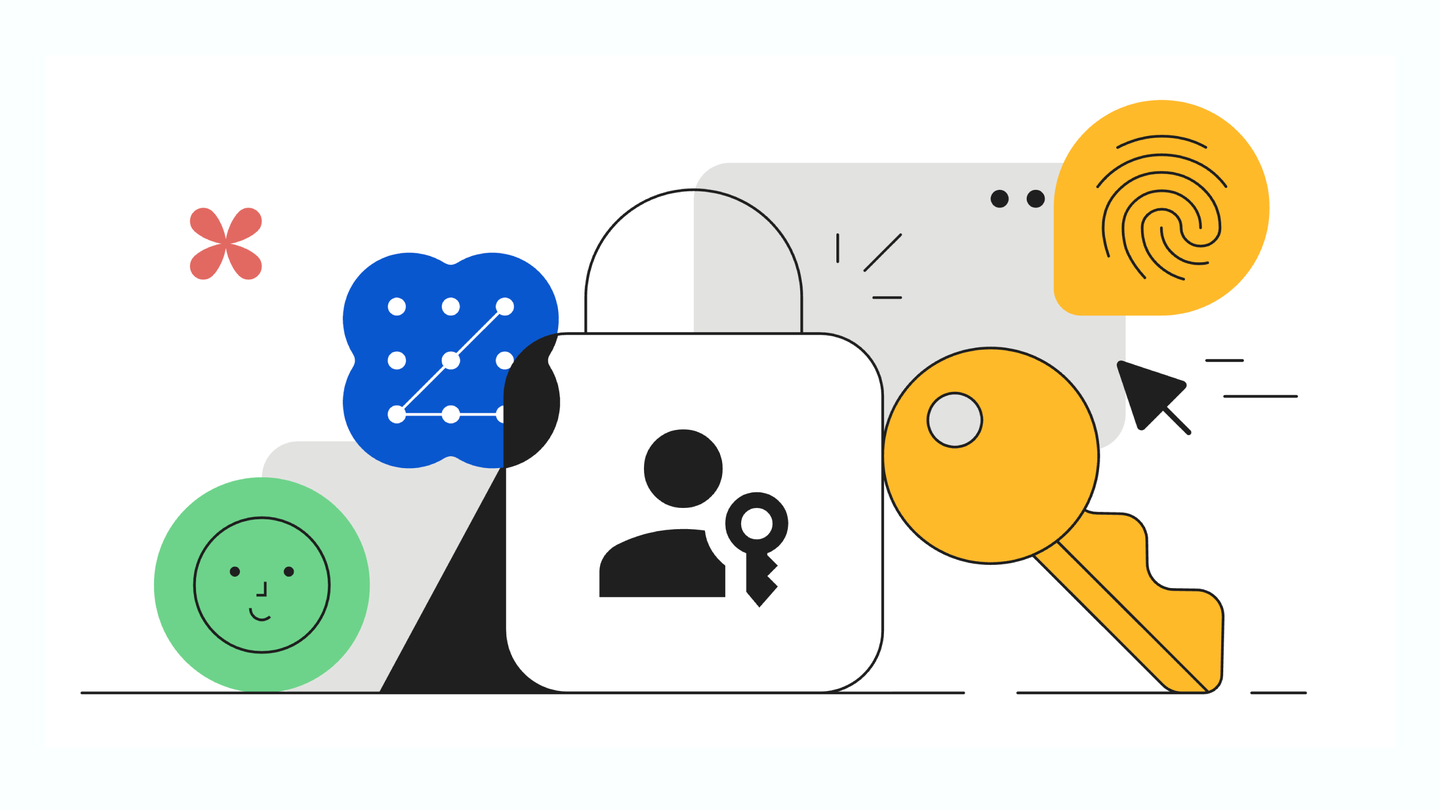
As part of this Cybersecurity Awareness Month, Google encourages users to adopt passkeys for a safer and more straightforward sign-in experience. Passkeys offer a modern alternative to traditional passwords, leveraging biometric security features like fingerprints, face scans, or device PIN codes.
This new method of signing in is not only user-friendly but also significantly more secure. Unlike passwords, which can be vulnerable to phishing and other online threats, passkeys are designed to withstand such attacks. Your biometric data remains stored locally on your device and is never shared with Google, ensuring a higher level of privacy and security.
Steps to Create Your Google Account Passkey
If you’re ready to enhance your Google Account security and make the switch to passkeys, the process is straightforward:
- Visit g.co/passkeys.
- Click on “Create a passkey.”
- Follow the on-screen prompts to complete the setup.
Transitioning to passkeys is a crucial step in protecting your online presence, particularly as cyber threats become increasingly sophisticated. Not only do passkeys simplify the login process, but they also add a layer of defense that passwords cannot match.
Why This Matters
The shift towards passkeys reflects broader trends in cybersecurity, emphasizing the need for more resilient authentication methods. As more users adopt this technology, the risks associated with data breaches and identity theft can be mitigated. Organizations and individuals alike stand to benefit from these advancements in online security.
In a world where managing multiple accounts can overwhelm users, integrating passkey technology would alleviate the stress of remembering dozens of passwords. This simplicity aligns well with the growing need for streamlined digital interactions.
Platforms like AllAI are instrumental in this transition too. They enable users to explore multiple AI tools in one place, making it easier to manage digital security alongside various online tasks. As AI continues to evolve, integrating advanced capabilities with secure access systems will become standard practice.
Conclusion
In conclusion, setting up a passkey for your Google Account is a significant step towards improving your online security. By replacing traditional passwords with biometric access, you not only make sign-ins simpler but also fortify your defenses against potential threats. Don’t wait to enhance your cybersecurity measures; set up your passkey today.