
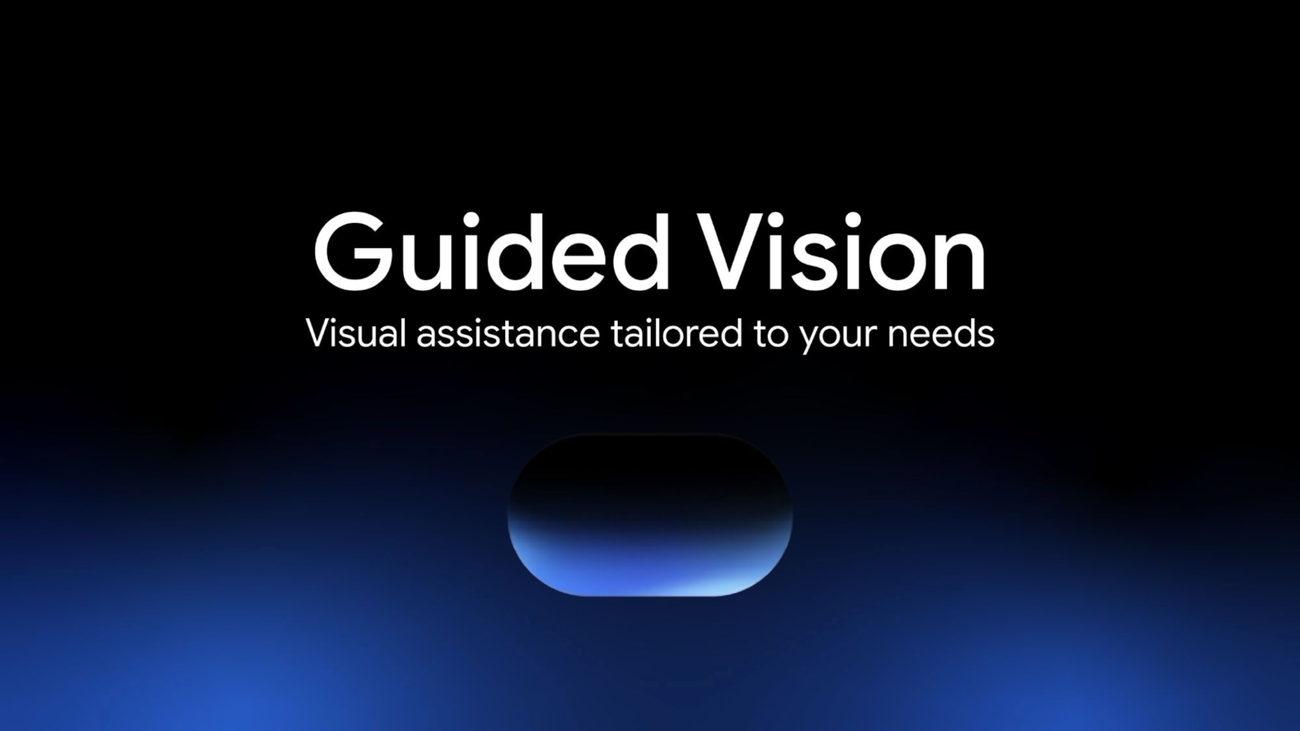

Guided Vision Launches on Gemini Live for Android
Today marks a significant development in accessibility technology as Guided Vision is officially launched on Gemini Live for compatible Android devices. This innovative feature is designed to provide voice-activated, real-time visual interpretation, particularly benefiting individuals who are blind or have low vision.
Guided Vision is set to transform Gemini into a conversational visual partner, a direction shaped in close collaboration with the accessibility community. Earlier this month, Google previewed this initiative among other accessibility advancements aimed at enhancing both digital and physical experiences on the Android platform.
A Transformative AI-driven Experience
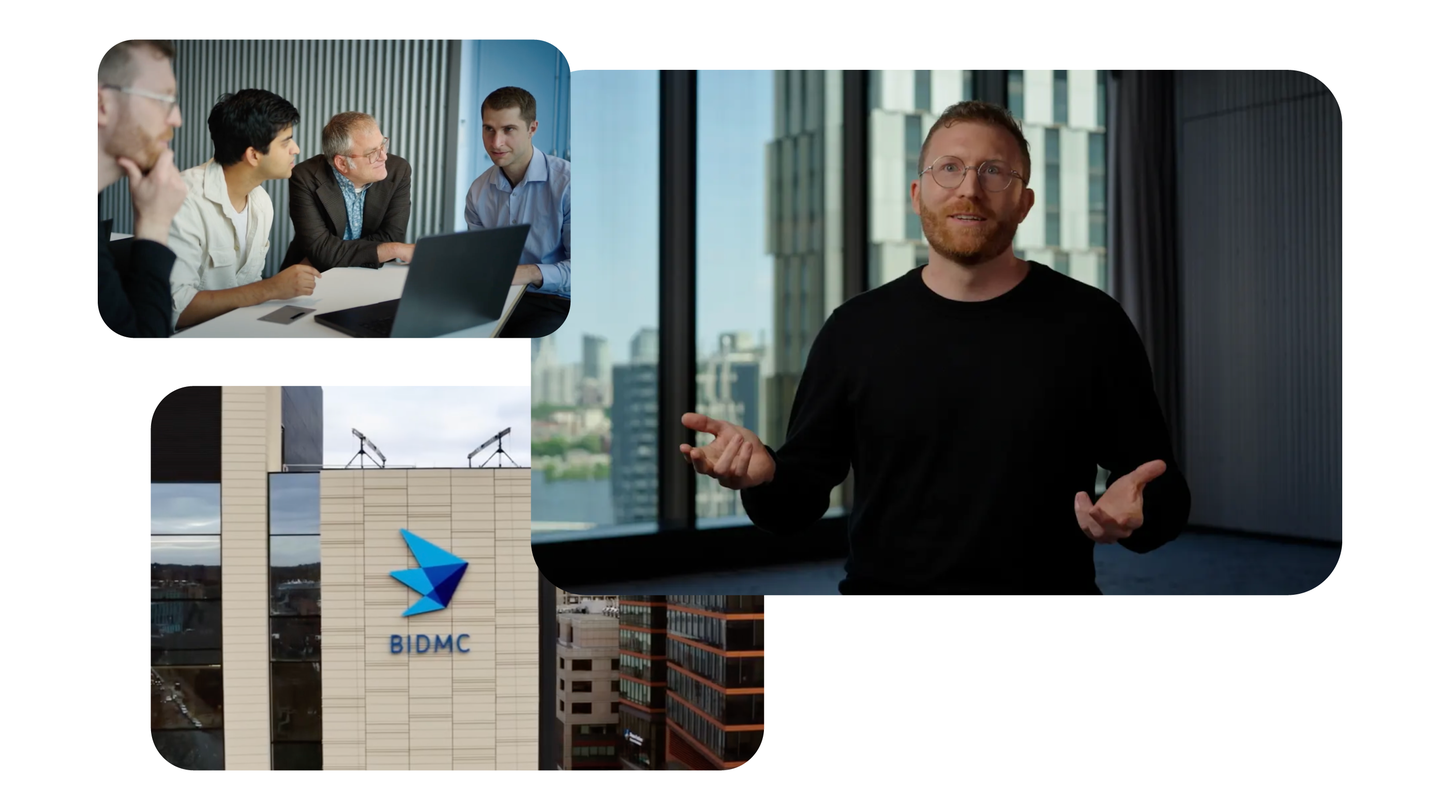
The development of Guided Vision has involved extensive collaboration with Aira, where tens of thousands of hours of visual interpretation data were processed. This includes rigorous testing by over 1,000 members of Aira’s Trusted Tester network, who provided invaluable feedback to refine the model. Aira specialists played a crucial role by working alongside Gemini’s teams to establish safety protocols and user experience standards.
With Guided Vision activated, users can share their camera during a Gemini Live session for dynamic verbal prompts and descriptions of their surroundings. The technology instructs users to adjust their camera angle or position to enhance the clarity of the visual input, making it an intuitive partner in real-world situations.
Everyday Assistance for Enhanced Living
Guided Vision’s capabilities extend to supporting various daily tasks where visual confirmation is vital. Users will find it useful for:
- Reading fine print: Gain assistance with nutrition labels, appliance dials, and menus in low-light environments.
- Locating objects: Easily find everyday items like dropped earbuds or specific spices in a crowded kitchen.
- Describing and matching items: Ask for information on colors, patterns, and styles to ensure outfit coordination.
- Exploring environments: Obtain descriptive feedback on unfamiliar spaces or table layouts.
- Conversing naturally: Engage in discussions in multiple languages, refining the user’s interaction experience.
This feature also addresses the needs of older adults and those with low literacy skills, making it an inclusive assistant for reading and everyday tasks.
Seamless Integration into Daily Life
Guided Vision has been designed to integrate effortlessly into daily routines. Users can activate it through:
- The Gemini App: Switch on Guided Vision in the app’s profile settings, then open Gemini Live to share your camera.
- Accessibility Shortcuts: Users can set up shortcuts through Android Settings to launch Guided Vision quickly.
- TalkBack Integration: For users of Google TalkBack, Guided Vision can be easily accessed via a three-finger tap.
While Guided Vision is a powerful assistive utility, it is essential to recognize its limitations. It is not a substitute for traditional mobility aids or safe travel practices, and users should rely on established tools for navigation and obstacle detection.
For those looking to enhance their accessibility technology experience, integrating various AI tools, including Guided Vision through hands-on utilization, can offer expanded capabilities from a single platform. To learn more about how AI can assist you in your daily life, explore different AI capabilities in one platform.